
KDP publishing guide
KDP Coloring Book Formatting Checklist
Review trim size, bleed, margins, cover, fonts, final files, and KDP Print Previewer before publishing a coloring book.
Last reviewed: September 5, 2026. Verify requirements in Amazon KDP before publishing.
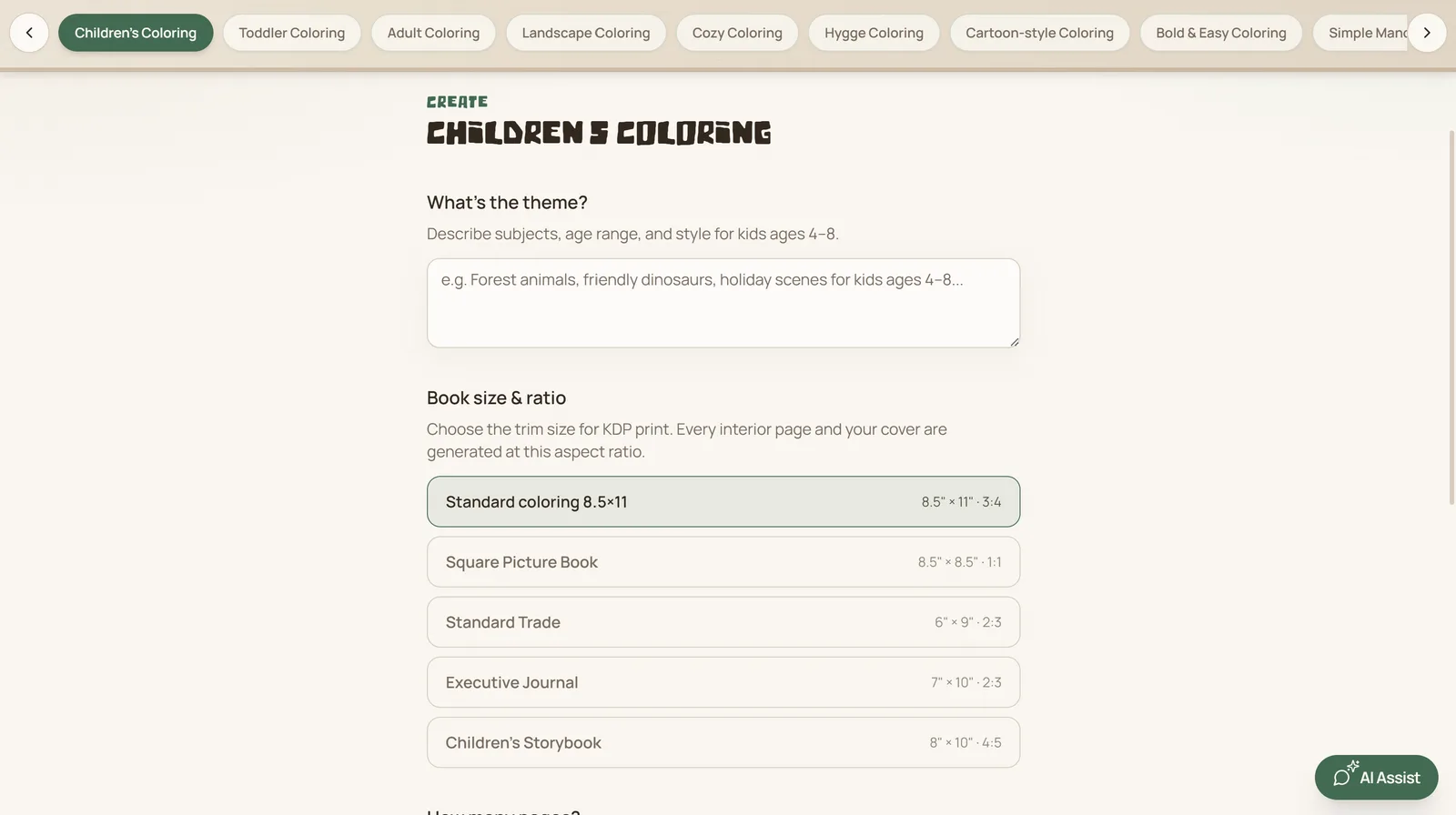
1. Confirm the book setup first
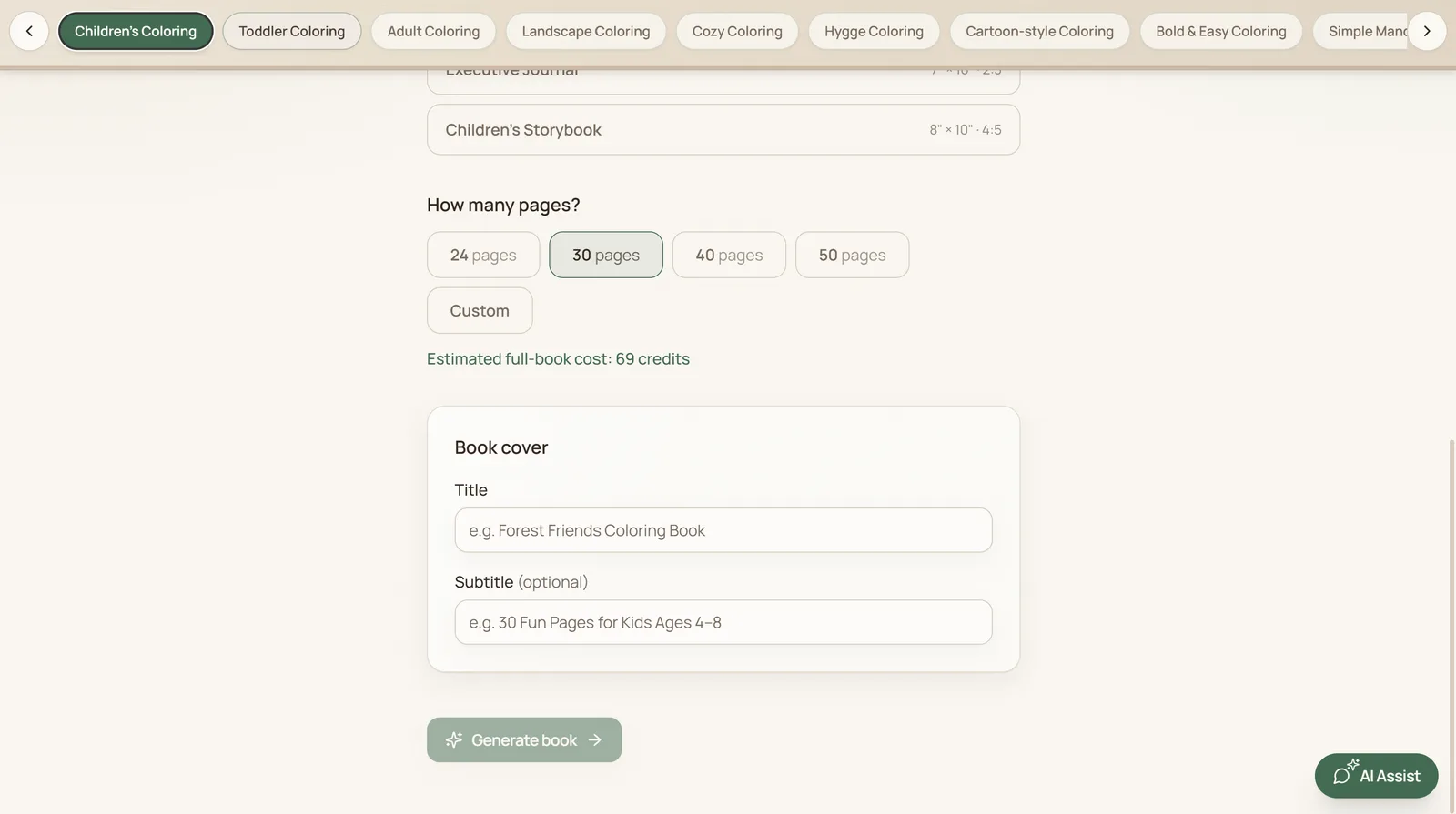
- Choose the correct paperback or hardcover format, trim size, paper, and bleed setting in KDP.
- Keep the interior dimensions, page count, and cover template consistent with that setup.
- Use the current KDP requirements rather than relying on a past project's measurements.
2. Review the interior and cover
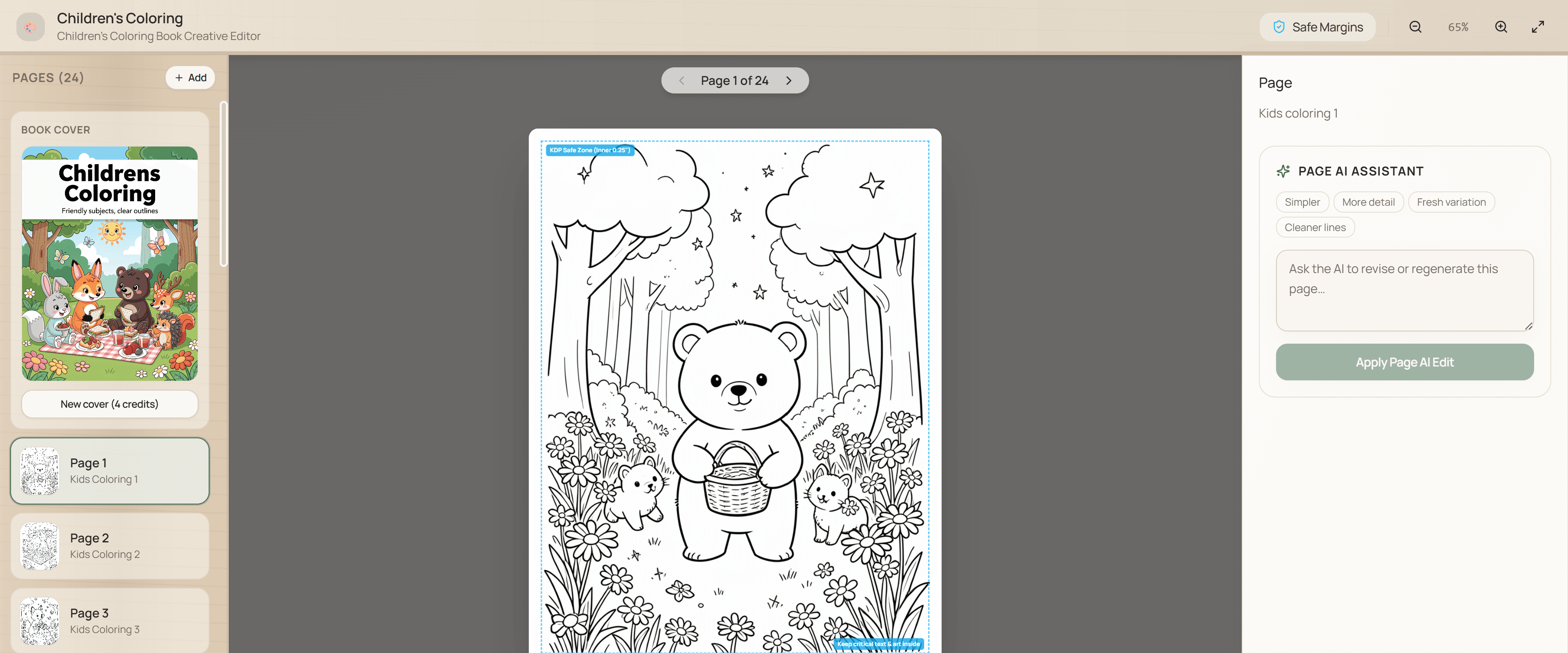
- Check trim size, bleed, margins, gutter clearance, fonts, image quality, blank pages, and page order.
- Make sure every illustration, title, and cover element is intentional and readable at print size.
- Review rights, licenses, and any AI-content disclosure required for the final files.
3. Run the final KDP review
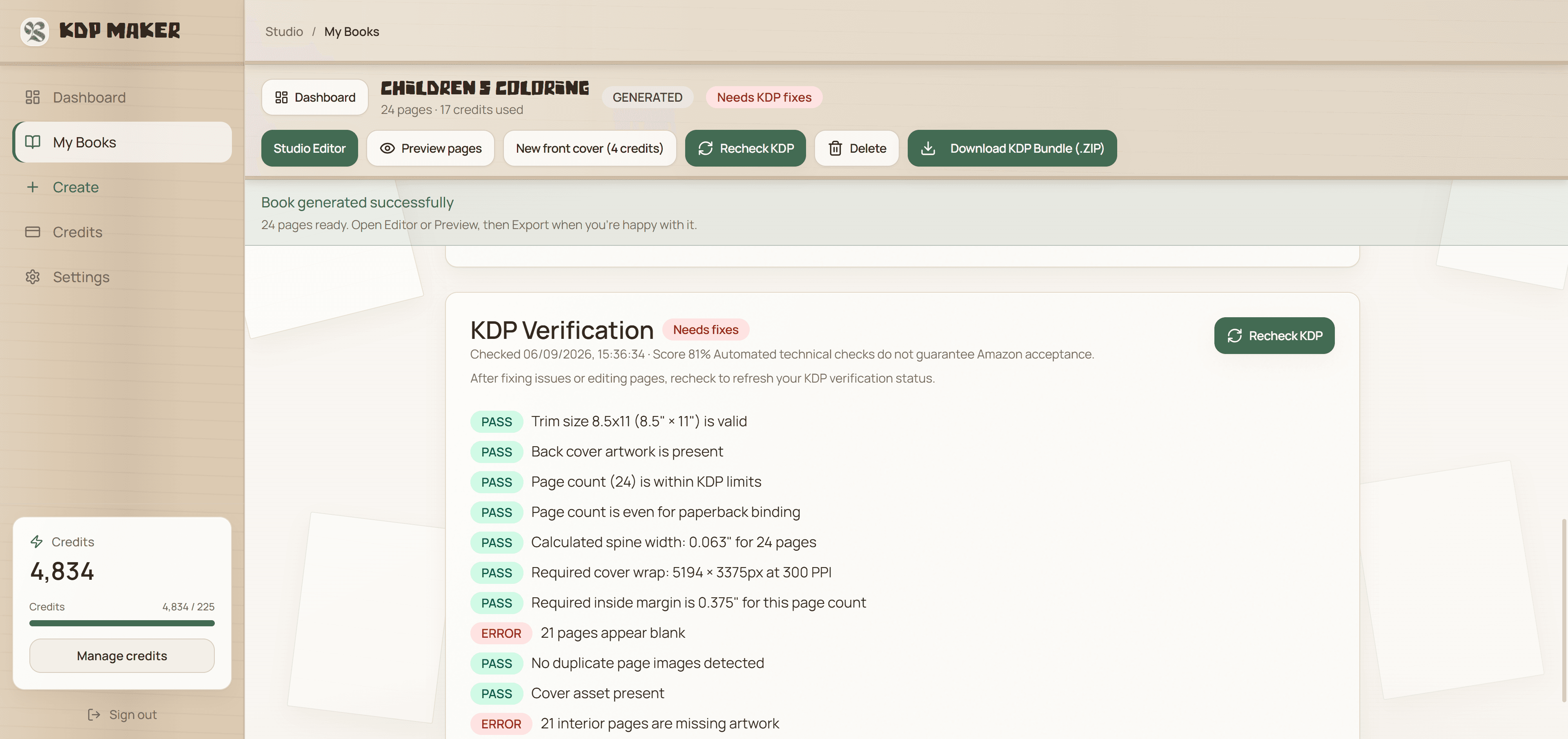
KDP's Print Previewer checks formatting issues during upload, including items such as margins, cover size, and fonts. Amazon can also manually review the interior and cover after submission. Use KDP Maker's automated preflight checks as an early warning, then upload the final PDF to KDP's Print Previewer and resolve every issue it reports.
KDP-verified means automated preflight checks based on KDP print requirements. Amazon acceptance is not guaranteed. Start a coloring-book project when you are ready.
Source: Amazon KDP's formatting-issues guide.