KDP publishing guide
Getting Started With KDP Maker
A practical walkthrough of the KDP Maker setup, draft, generation, review, preflight, and export workflow.
Last reviewed: September 5, 2026. Verify requirements in Amazon KDP before publishing.
The guided setup already exists
New creators are guided through a short setup in the Create workspace. The guide below explains that existing experience so you can follow it at your own pace. You can return to your saved draft and refine the visible book settings before you generate or export.
1. Choose a book type
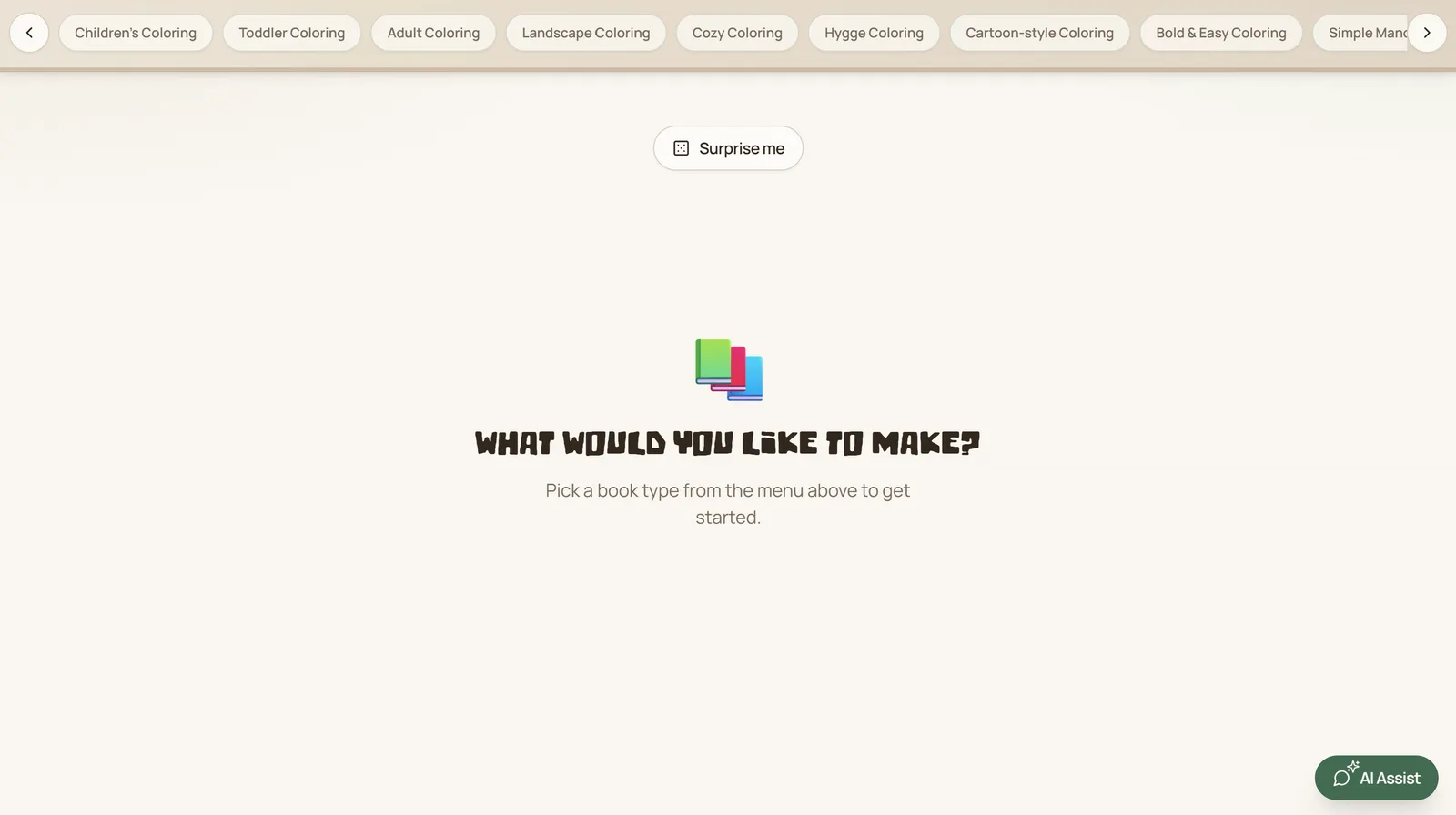
Select a currently supported coloring or mandala format. Each option has its own audience guidance and page-count choices. Choose the format that best fits the final book you want to prepare.
2. Describe the theme and choose the format
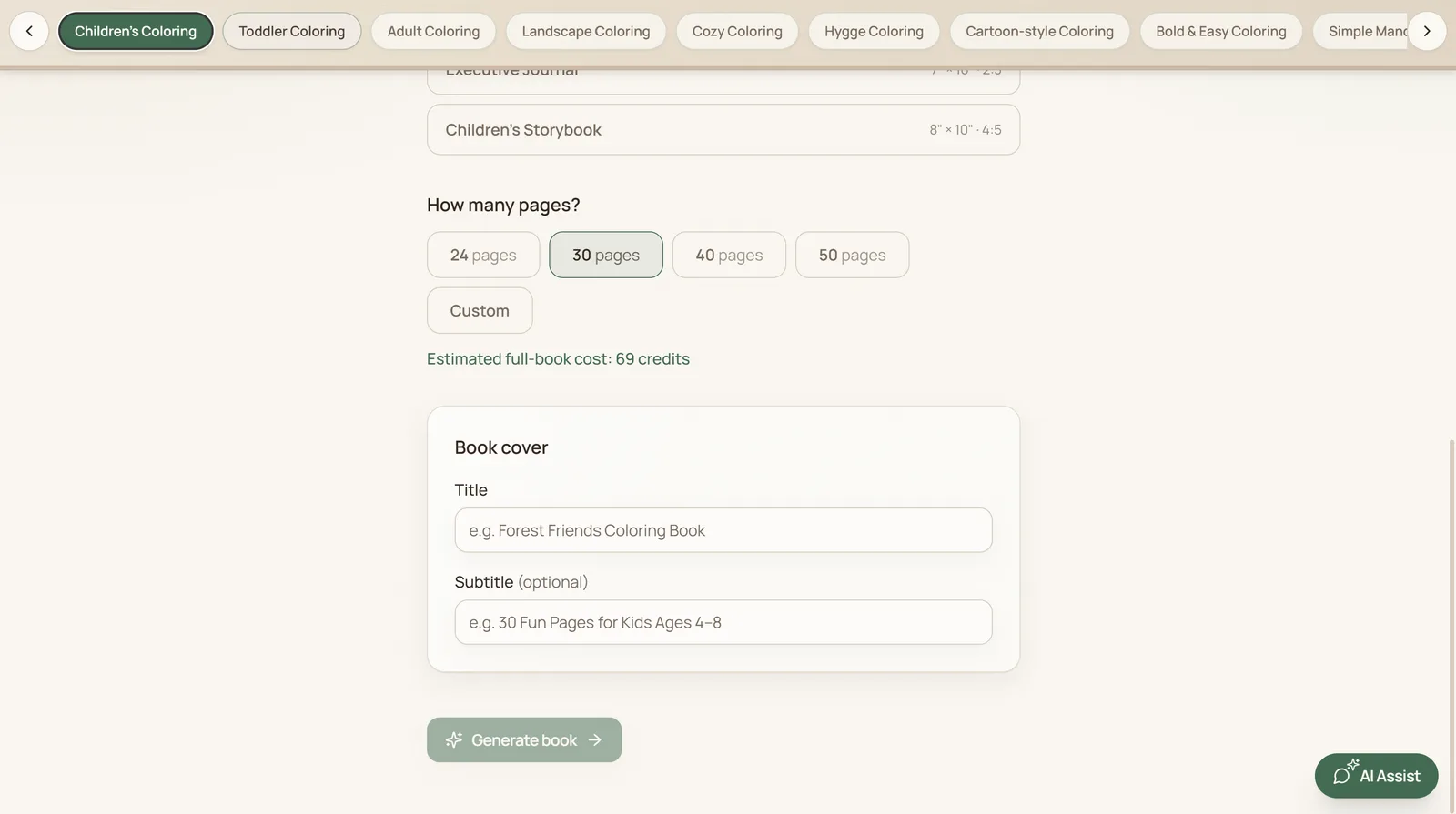
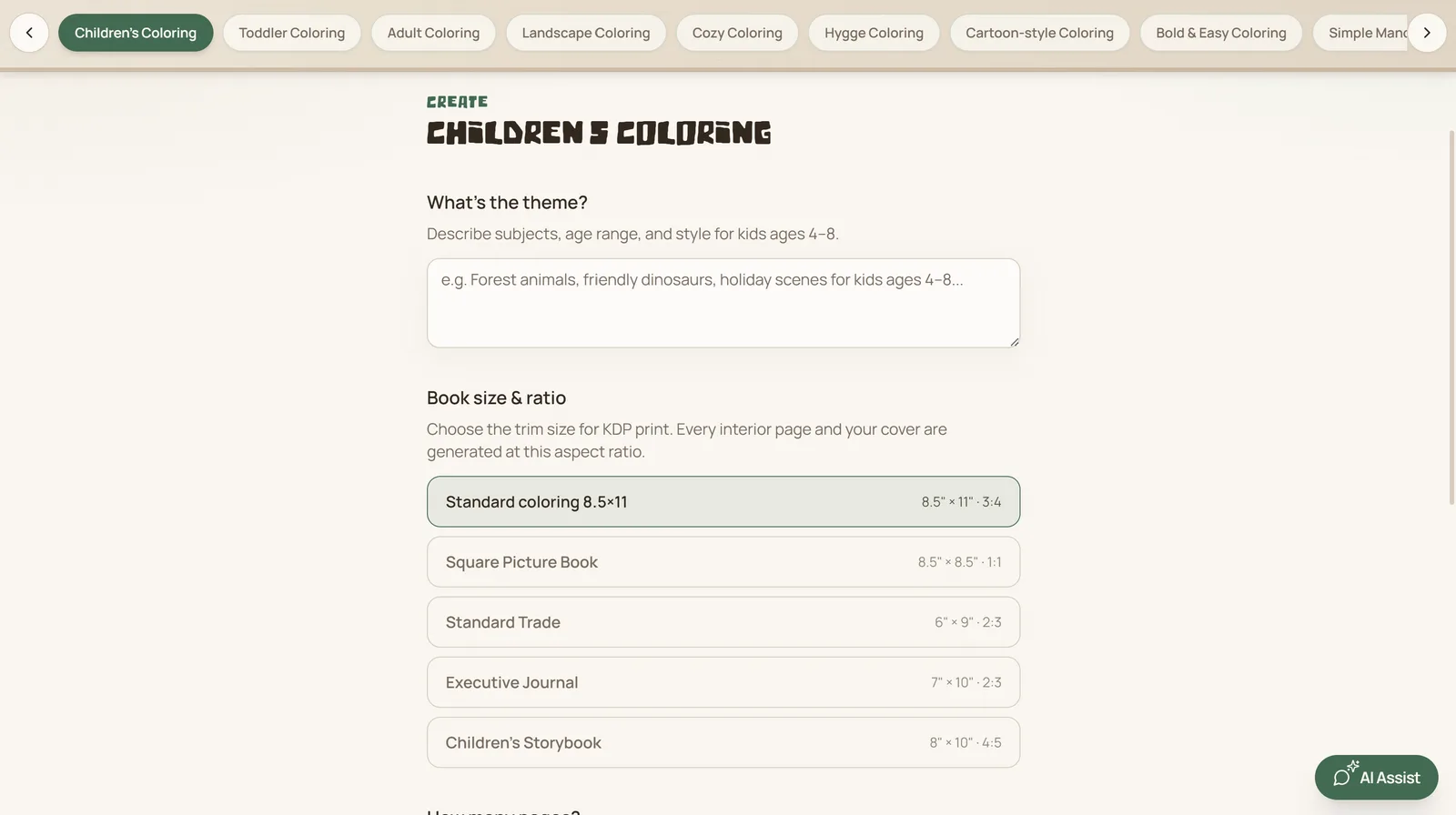
Add a clear theme, audience, or subject. Then select the visible trim/aspect option and page count. Give the project a title and, if useful, a subtitle. These are editable project details, so review them before moving on.
3. Review the book plan
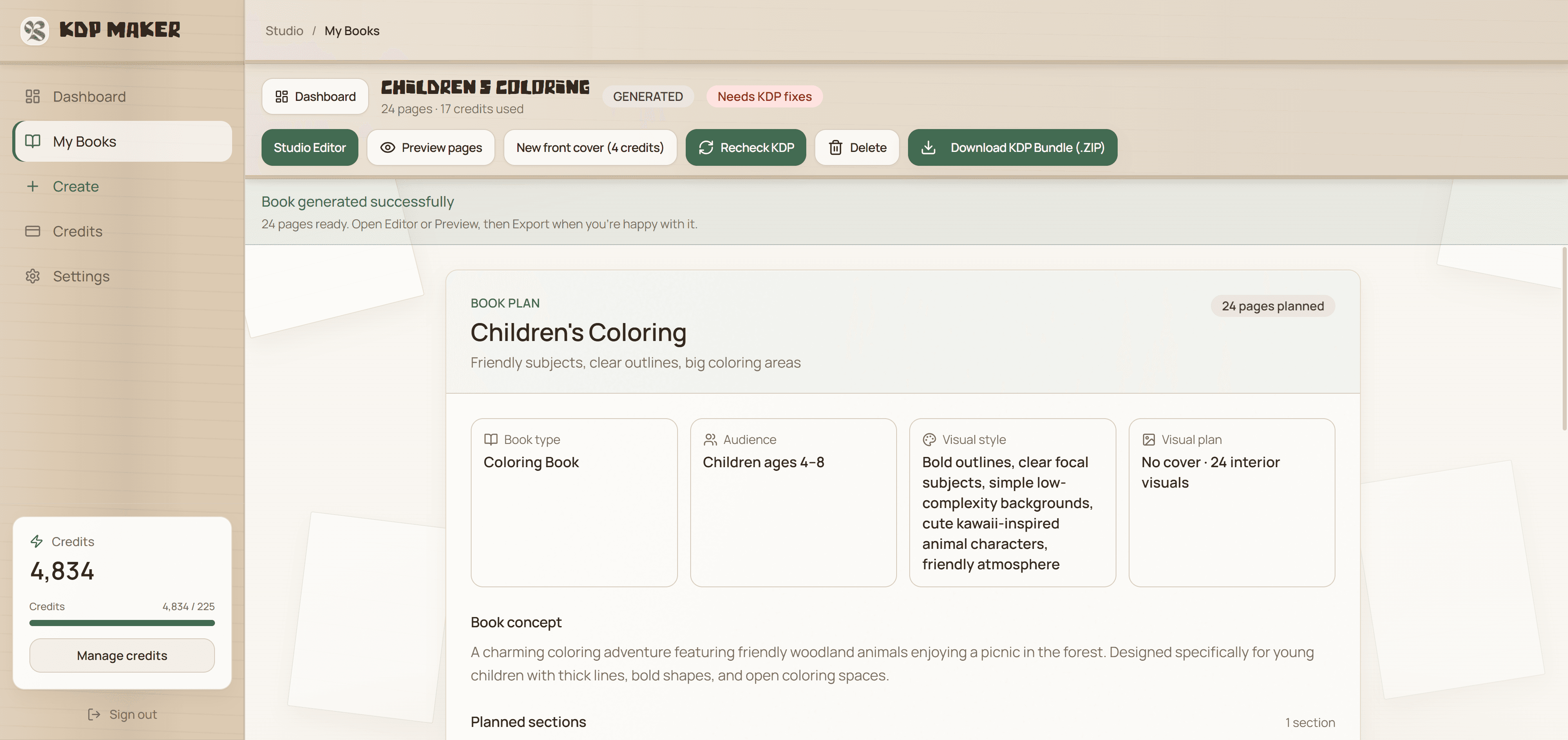
Review the visible book type, audience, visual direction, concept, planned sections, and page allocation before you treat the project as finished. These details give you a useful way to check that the output still matches the book you intended to make.
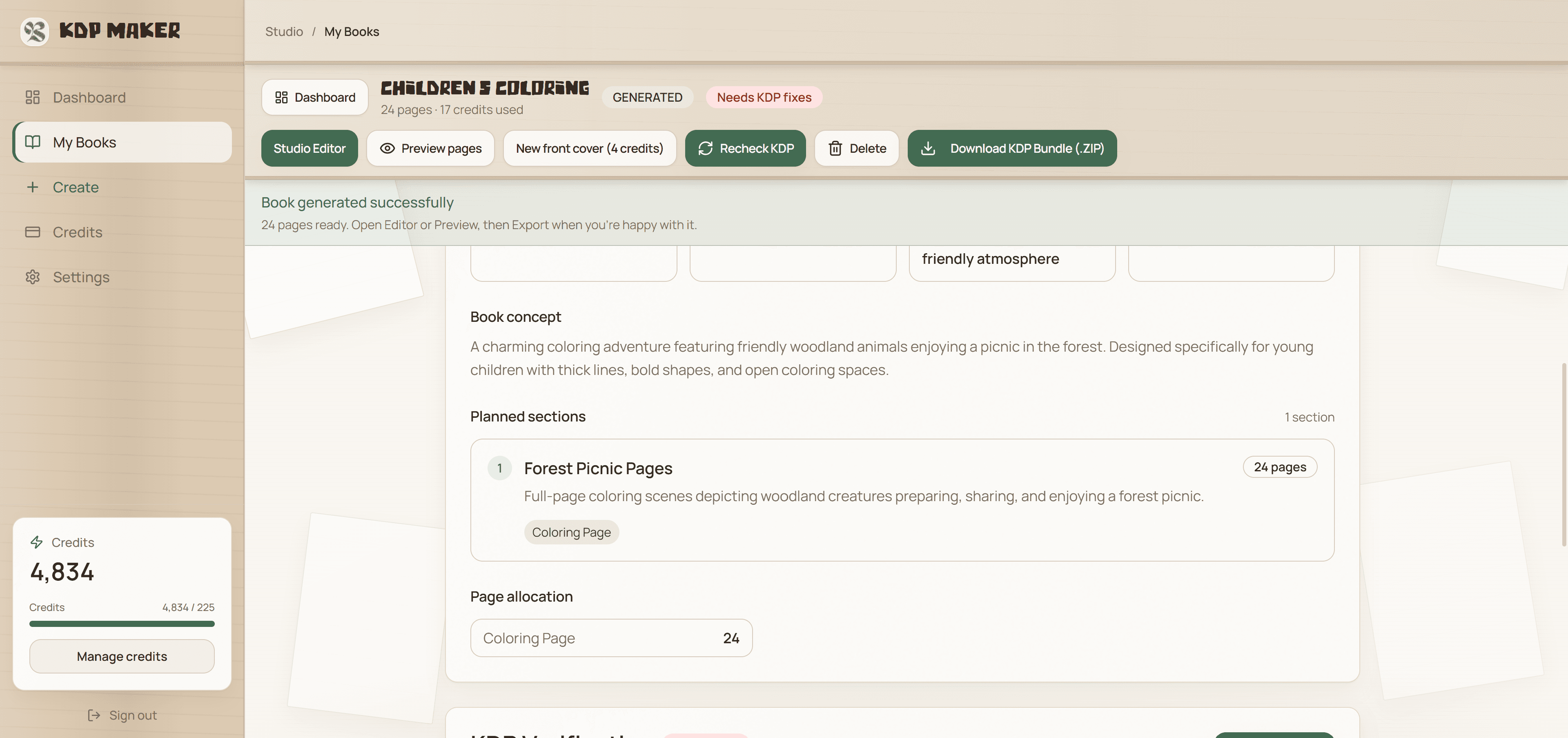
4. Generate and review the pages
Generation availability depends on your plan and credits. Once generation is complete, preview the interior and cover, then open the editor to review each page rather than relying on automation alone.
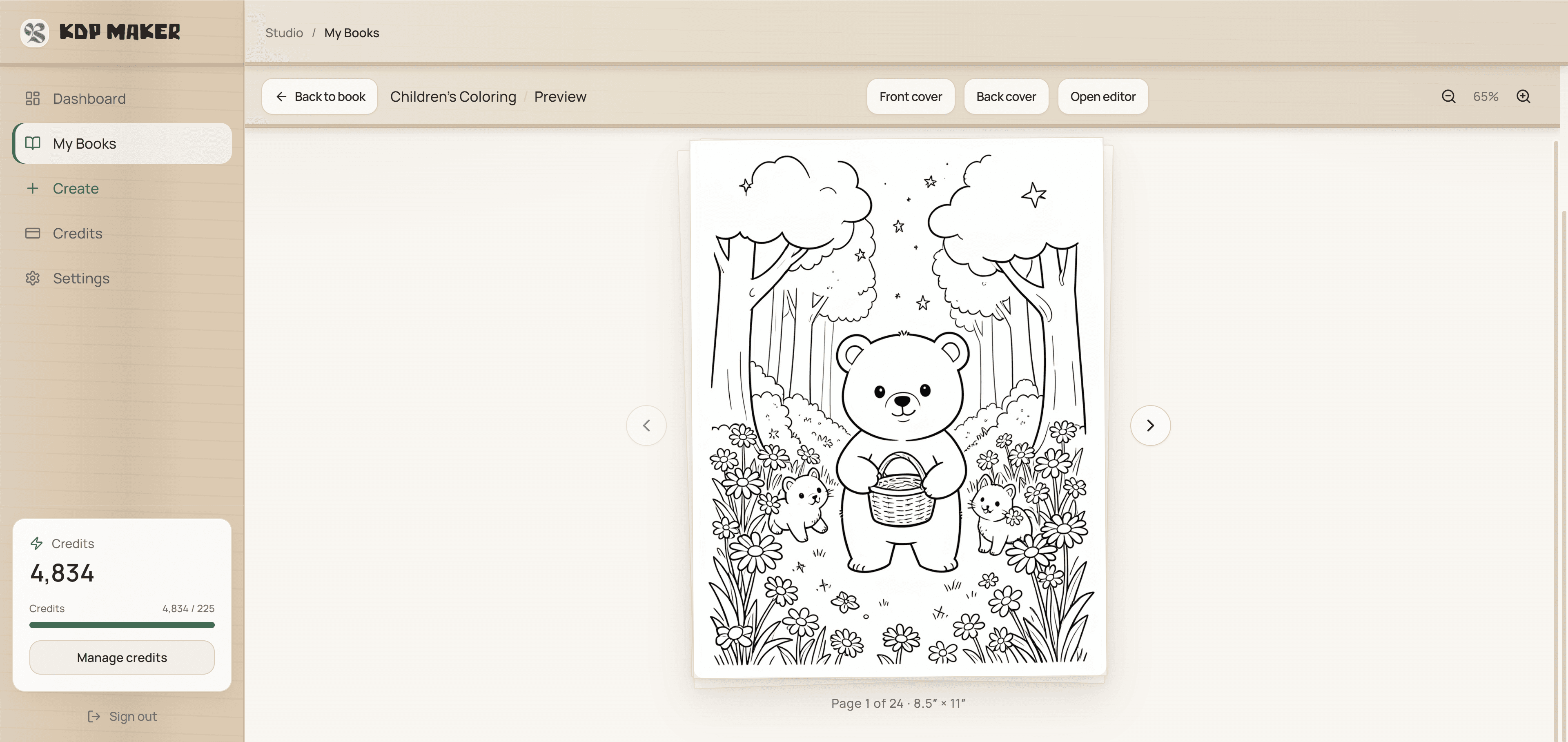
5. Review, preflight, and export
Check every page, cover, title, subtitle, and metadata. Open the KDP Preflight view to review the technical checks, then complete the publisher export checklist. You must confirm your rights and make any AI-content disclosure required by the publishing platform. Finally, upload the exported files to Amazon KDP and use its Print Previewer before you submit.
KDP-verified means automated preflight checks based on KDP print requirements. Amazon acceptance is not guaranteed. See the formatting checklist and AI disclosure guide for the final review steps.
Publishing workflow
Build, review, and export with a clear process
KDP Maker helps independent publishers organize the creative workflow. Your publishing decisions, rights review, and final KDP submission remain your responsibility.
- Choose a supported format. Start with a coloring or mandala format and define the audience, theme, and page count.
- Generate and edit. Create interiors and a cover, then review every page and regenerate or edit anything that needs work.
- Run checks and publish responsibly. Use preflight as an early check, then verify the final files, rights, and required AI disclosure in KDP.
Automated preflight checks are based on KDP print requirements. Amazon acceptance is not guaranteed.